You access the Employee Time Export screen from the Accounting > Employee Time and Labor sub-menu, shown below.
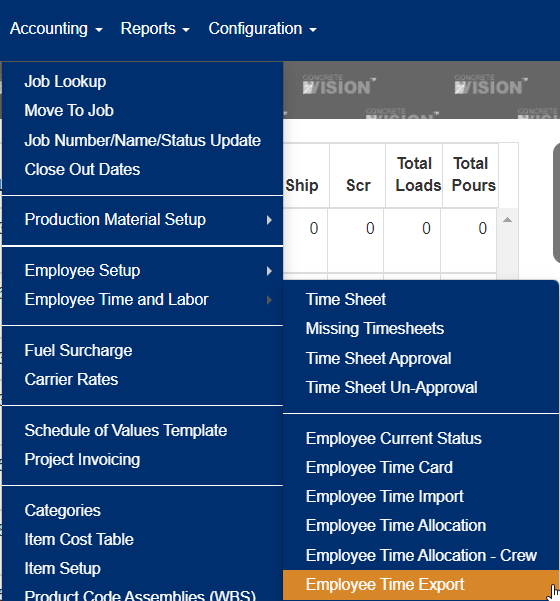
Figure 1
The employee time export screen (see Figure 2) is where you can export time based on location and a specific time frame.
Export Time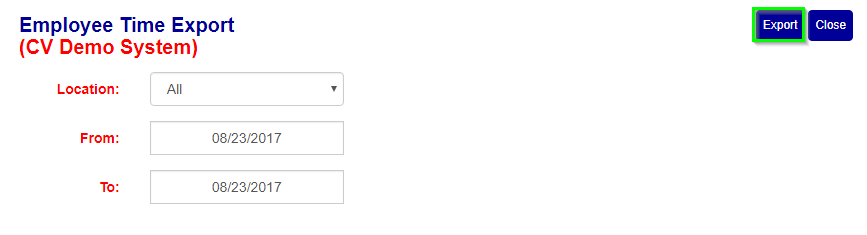
Figure 2
To export employee time for a given time frame
- Select a location.
- Select a starting date.
- Select an ending date
- Click "export" button (see Green box in Figure 2).
Was this article helpful?
That’s Great!
Thank you for your feedback
Sorry! We couldn't be helpful
Thank you for your feedback
Feedback sent
We appreciate your effort and will try to fix the article