You access Job - Load List from the Jobs > Job Lookup, shown below.
The screen is used to update the Project Special Instructions (See Green Box in Figure 4) that show up on every Load Slip report.
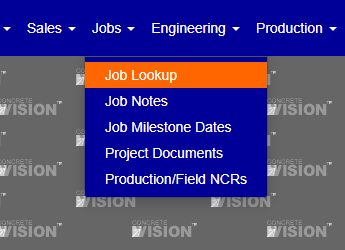
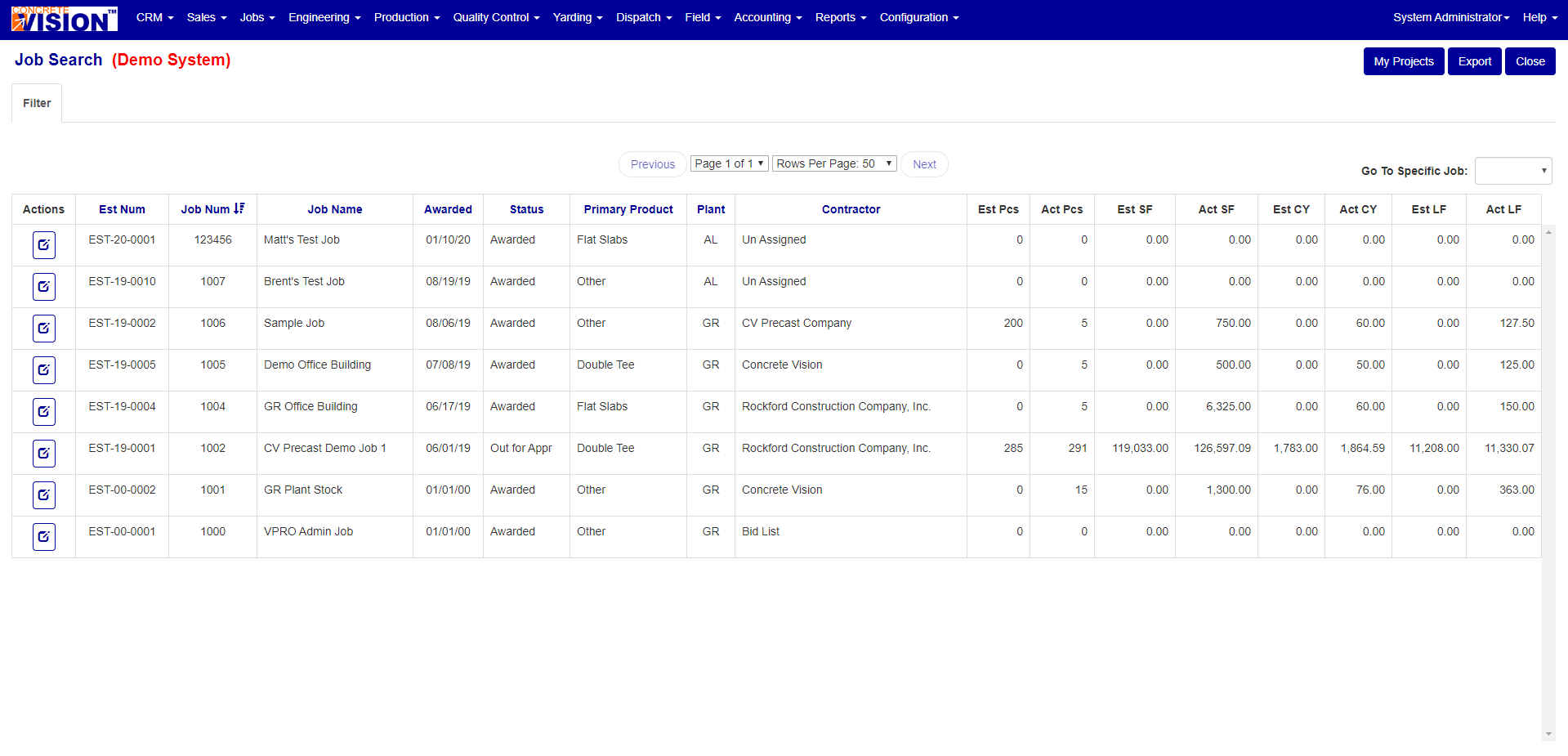
Figure 1
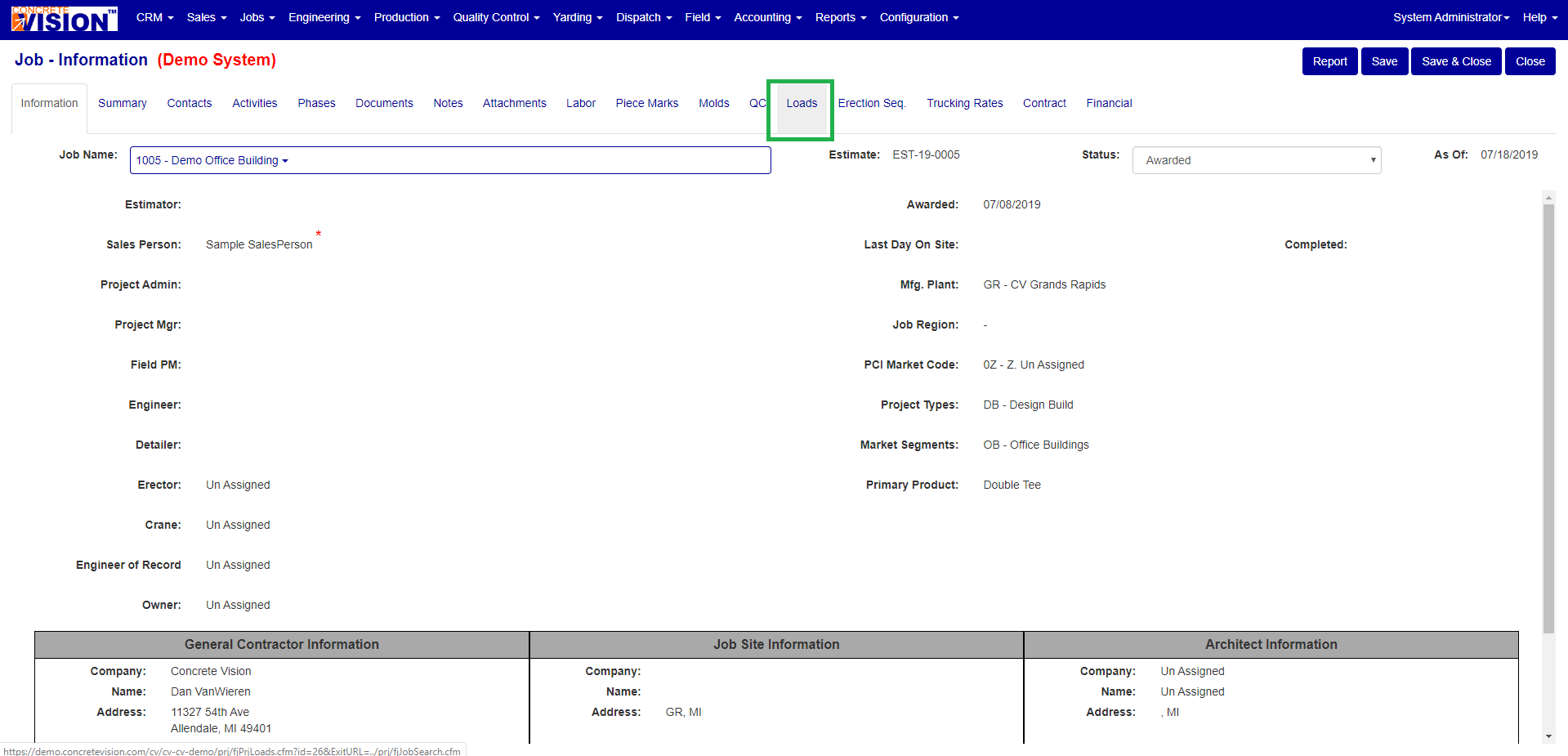
Figure 2
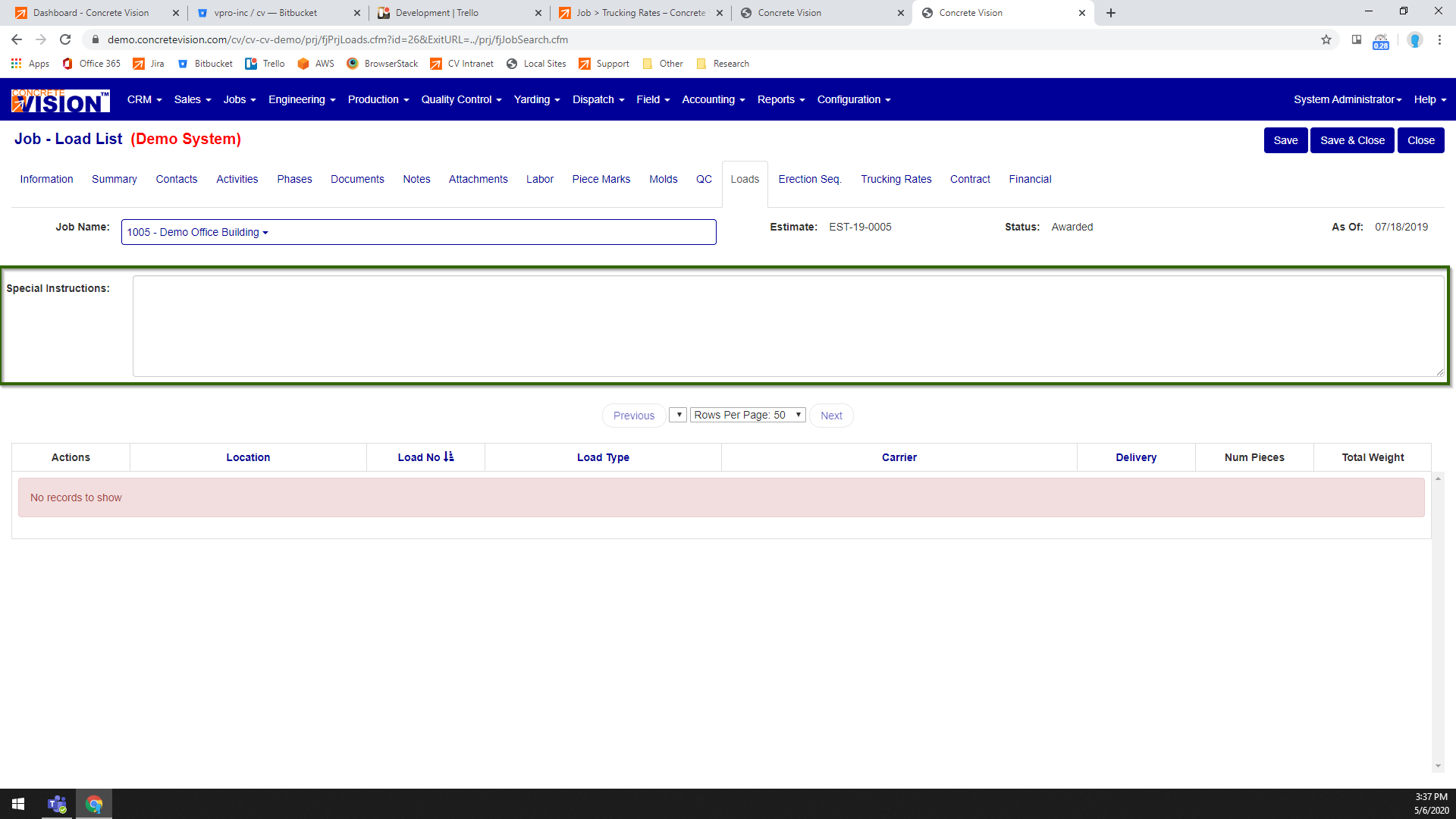
Figure 3
Special Instructions
Enter what Special Instructions in the text area (Green Box in Figure 3), click on Save when you are done. The text you enter Special Instructions text area (Green Box in Figure 3) will be place above the Loads Special Instructions (Green Box in Figure 4)
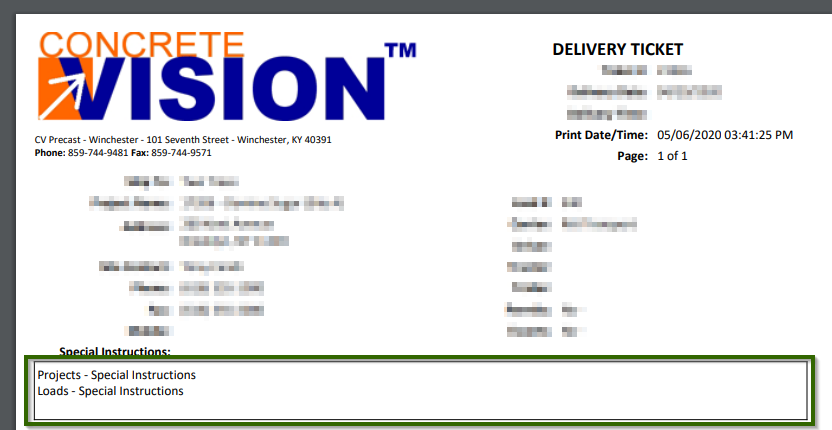
Figure 4
Was this article helpful?
That’s Great!
Thank you for your feedback
Sorry! We couldn't be helpful
Thank you for your feedback
Feedback sent
We appreciate your effort and will try to fix the article