The Sales Notes screen allows you to easily view all Sales notes or filter for specific notes based on: An Opportunity Name, A Date Range, or A Note Creator.
You access the Sales Notes screen from the Sales menu > Sales Notes tab. (see Figure 1)
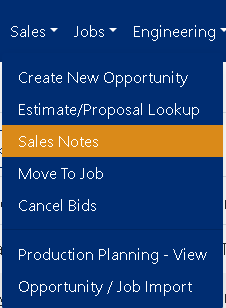 Figure 1
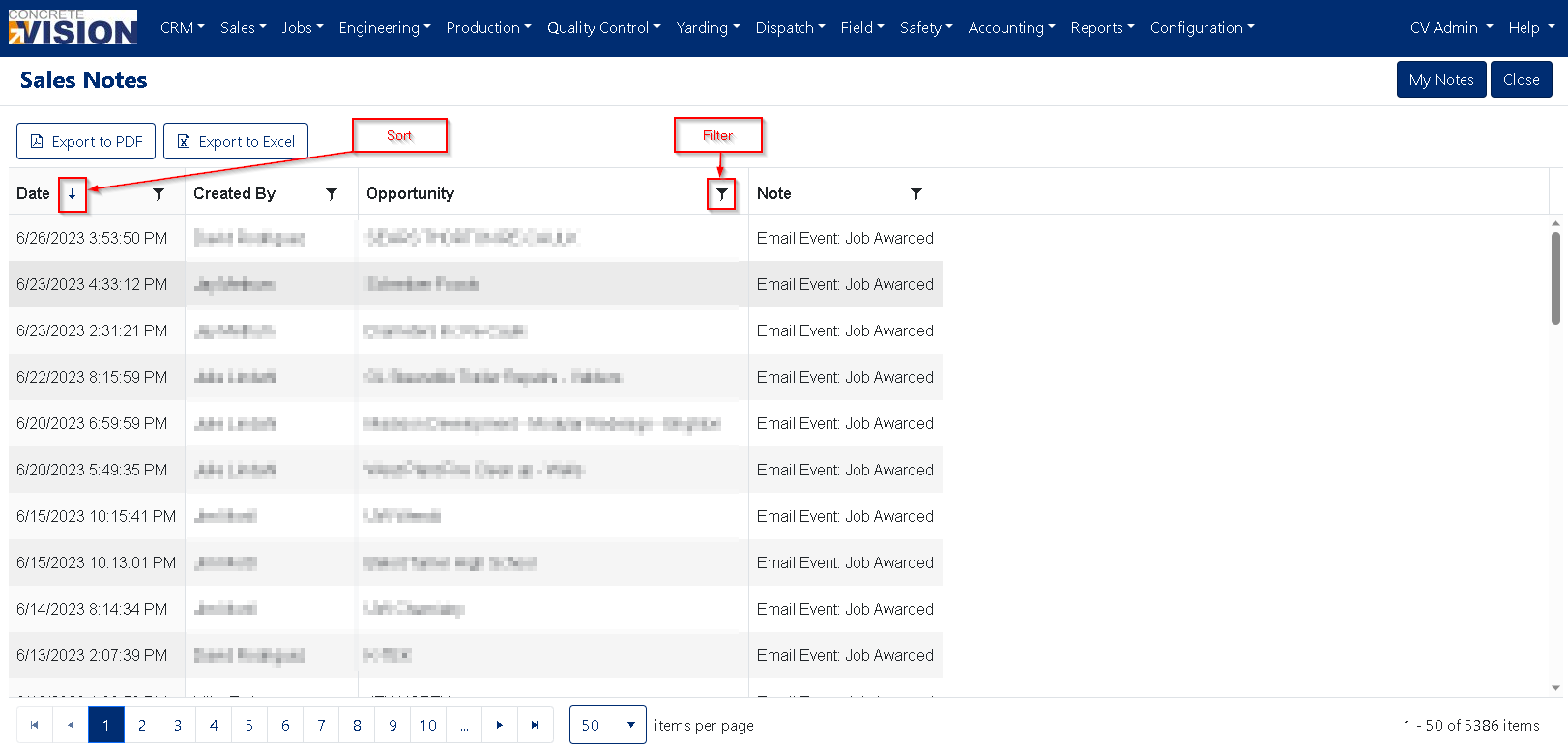
Figure 2
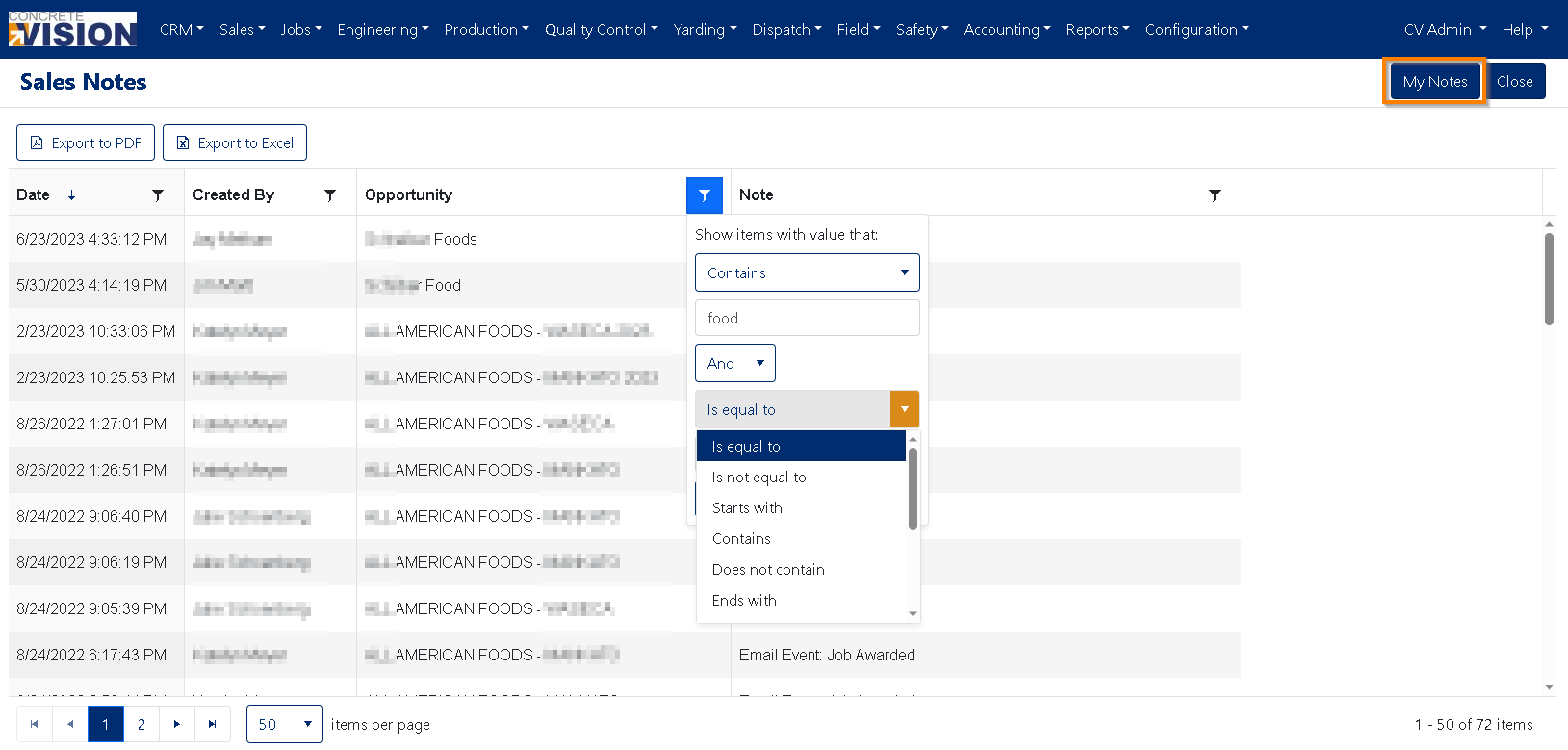
Figure 3
Filter
To easily show only the Sales Notes where you are the creator, just use the “My Notes” button (Orange Box Figure 3) and the page will fill in the necessary filter where you are the creator.
To customize the Sales Notes you see, you can edit the filter parameters to see specific Sales Notes by using the Filter dropdown.
Was this article helpful?
That’s Great!
Thank you for your feedback
Sorry! We couldn't be helpful
Thank you for your feedback
Feedback sent
We appreciate your effort and will try to fix the article