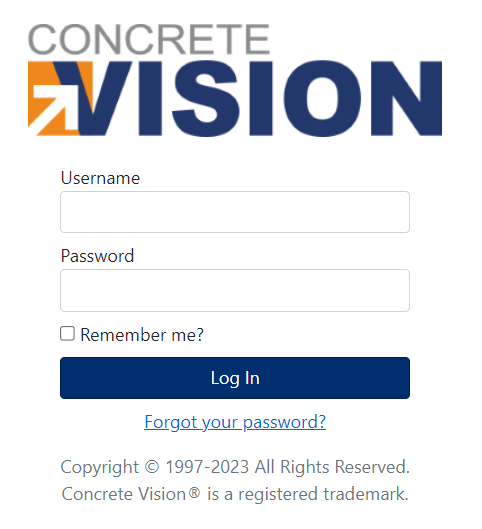
If you have forgotten your password to Concrete Vision, please click on the Forgot your password? link on the Concrete Vision login page shown below.
This will bring you to the Password Reset page shown below.
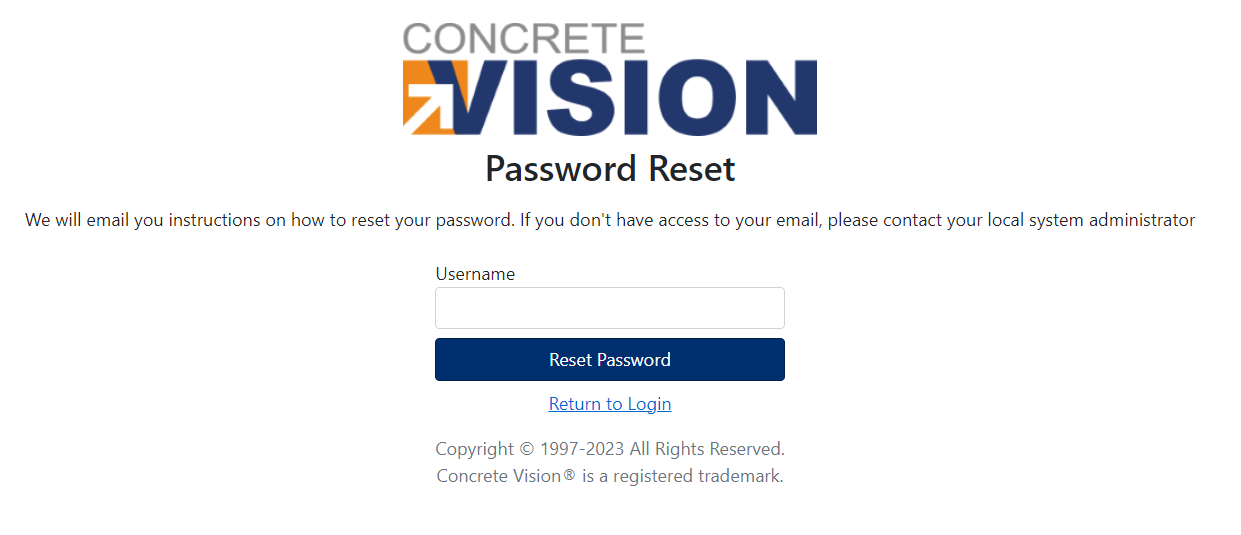
Enter your Concrete Vision username in the field and click on the Reset Password button. If your username is valid, the following screen will be shown indicating that an email has been sent to you with a link to reset your Concrete Vision password. If the username is not valid, you will get an error message indicating that the username was not found.
Was this article helpful?
That’s Great!
Thank you for your feedback
Sorry! We couldn't be helpful
Thank you for your feedback
Feedback sent
We appreciate your effort and will try to fix the article