The Notes section is available on many of the screens throughout Concrete Vision.
The Note section is a section of the code that should look something like this (See Figure 1)
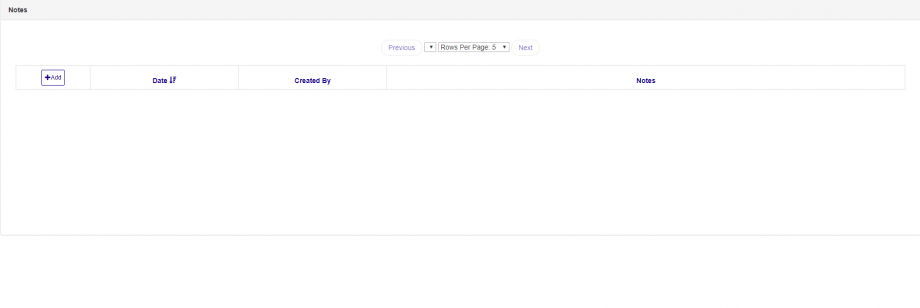
Figure 1
Add Note
Click on the Add Button in the left most column header will open a pop up which will allow you to enter the note. (See Figure 2)
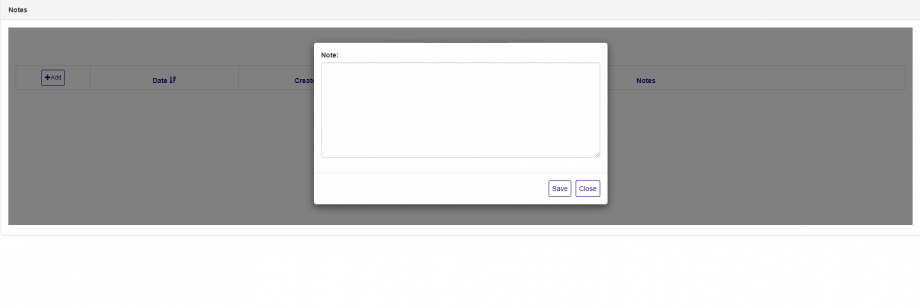
Figure 2
When you are done entering you note, click on the Save Button. (See Figure 2)
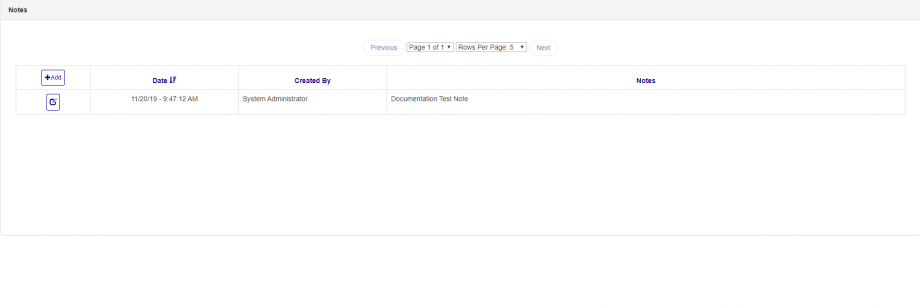
Figure 3
After the window is closed, the list will have the new note displayed on the list screen.
Edit an Existing Note
You are only able to edit notes that you entered into the system. If the option is available to edit the note the edit button should be enabled, when the button is clicked it will bring up a window which will allow you to edit the note. (See Figure 4)
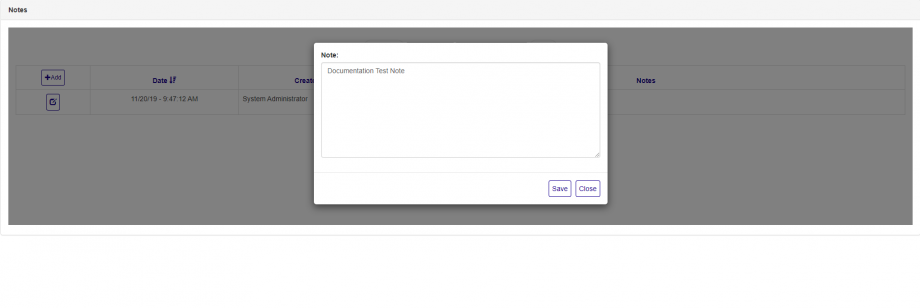
Figure 4
Delete an Existing Note
You are unable to delete notes in the system
Was this article helpful?
That’s Great!
Thank you for your feedback
Sorry! We couldn't be helpful
Thank you for your feedback
Feedback sent
We appreciate your effort and will try to fix the article